Create an accurate location
Record name, type, latitude, longitude, country, region or state, notes, and favourite status. Types include marina, port, harbour, anchorage, mooring, dock, boat ramp, lock, canal, beach, river, lake, offshore, and other.
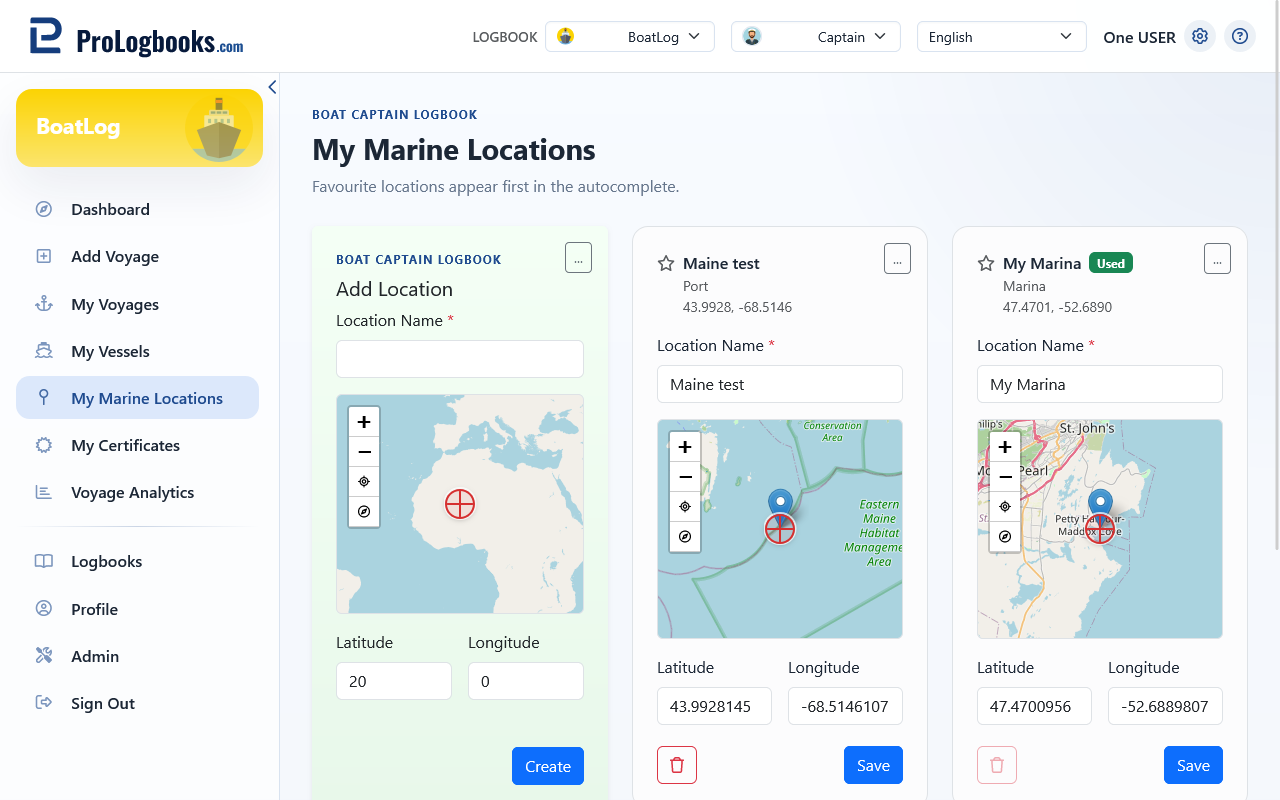
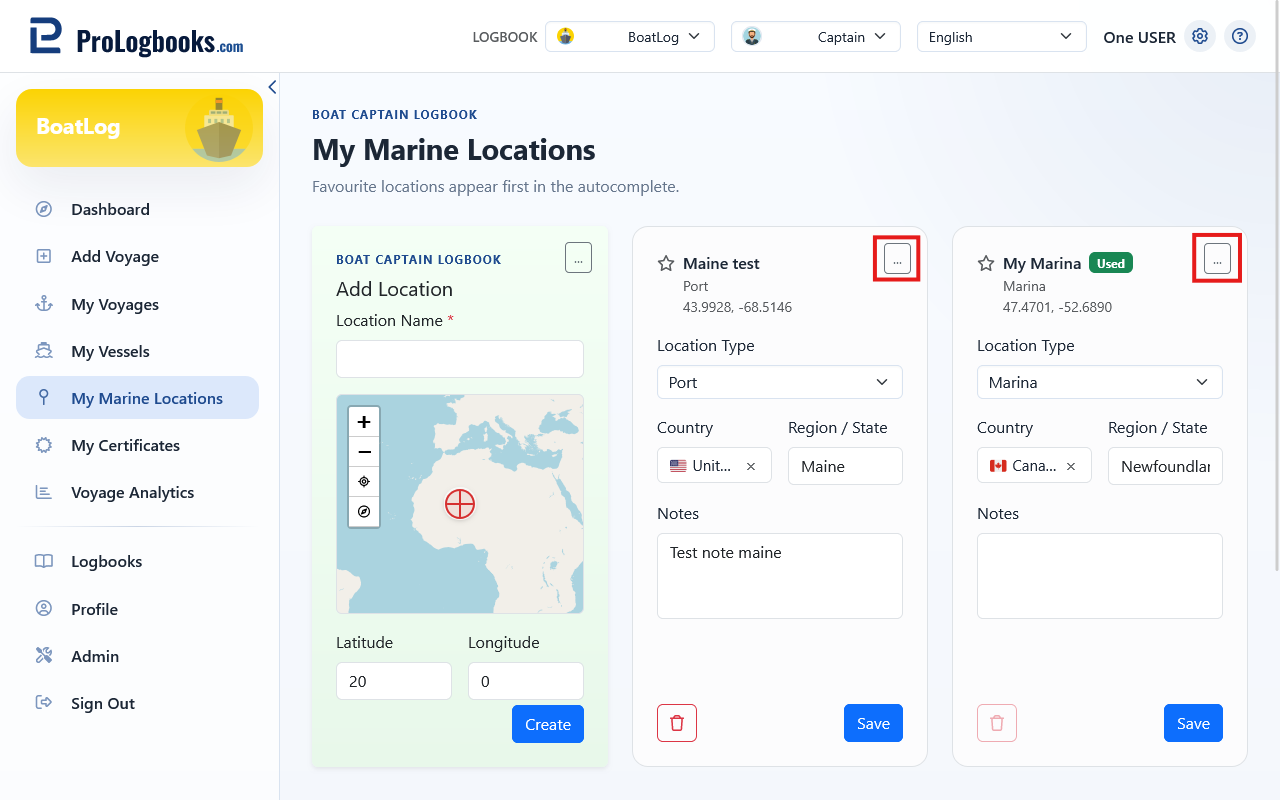
- Open My Marine Locations and choose Add location.
- Enter a clear name, type, and verified coordinates.
- Add country, region, notes, and Favourite when useful.
- Save the location and confirm that it appears in the catalog.
Reuse and maintain saved locations
Saved locations appear in departure and arrival autocomplete, with favourites first. You can also use Save to My Marine Locations beside voyage location fields.
Edit incorrect details. Delete a location only when you no longer want it offered for future entries.
Treat map information as a reference
Coordinates affect route endpoints and mapped distance. Verify them against an appropriate source; this catalog does not replace charts, notices, or navigation equipment.
If something goes wrong
- If a location is not suggested, confirm its spelling, current logbook, and saved coordinates.
- If autocomplete is crowded, mark frequent locations as favourites.
- If a route endpoint is misplaced, edit the coordinates and recheck the voyage.