Check every part of the record
Review Voyage Summary, Vessel, Departure & Arrival, Time & Distance, Captain & Crew, STCW & Emergency Training, Weather & Sea Conditions, Voyage Notes, Attachments, and the route map.
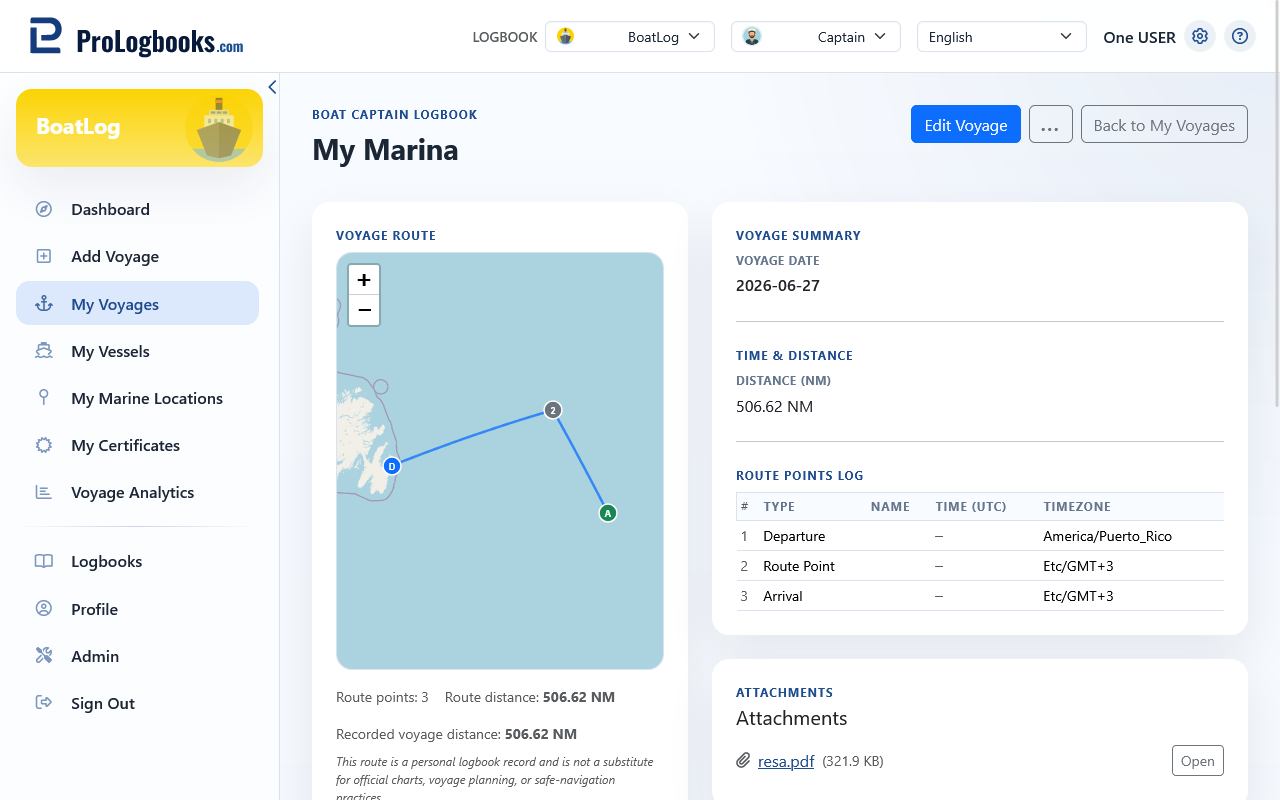
- Missing optional information is shown as empty or unavailable rather than inferred.
- Attachment availability depends on saved files and account access.
- The displayed route and distance are informational.
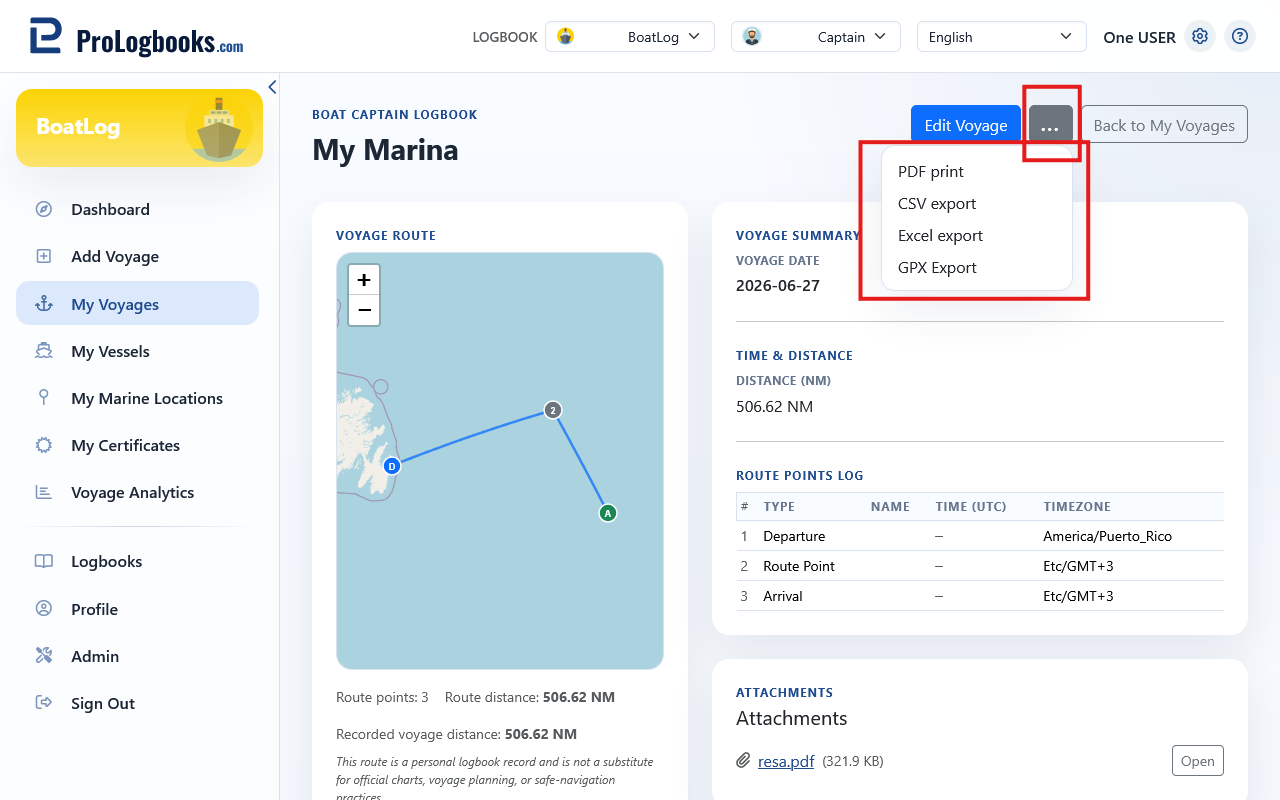
Move between voyages and correct errors
Previous Voyage and Next Voyage follow the record order. Use Edit to correct the open record. Delete permanently removes it after confirmation.
- Compare the full summary with your source record.
- Open attachments or inspect the route when supporting detail is needed.
- Use Edit, make the correction, and save.
- Use Previous Voyage or Next Voyage to continue reviewing.
If something goes wrong
- If a section is empty, edit the voyage and add the missing recorded information.
- If the route is missing, confirm that the voyage has coordinates or saved route points.
- If an attachment will not open, confirm that the file exists and you are signed into the owning account.