Add a vessel to the catalog
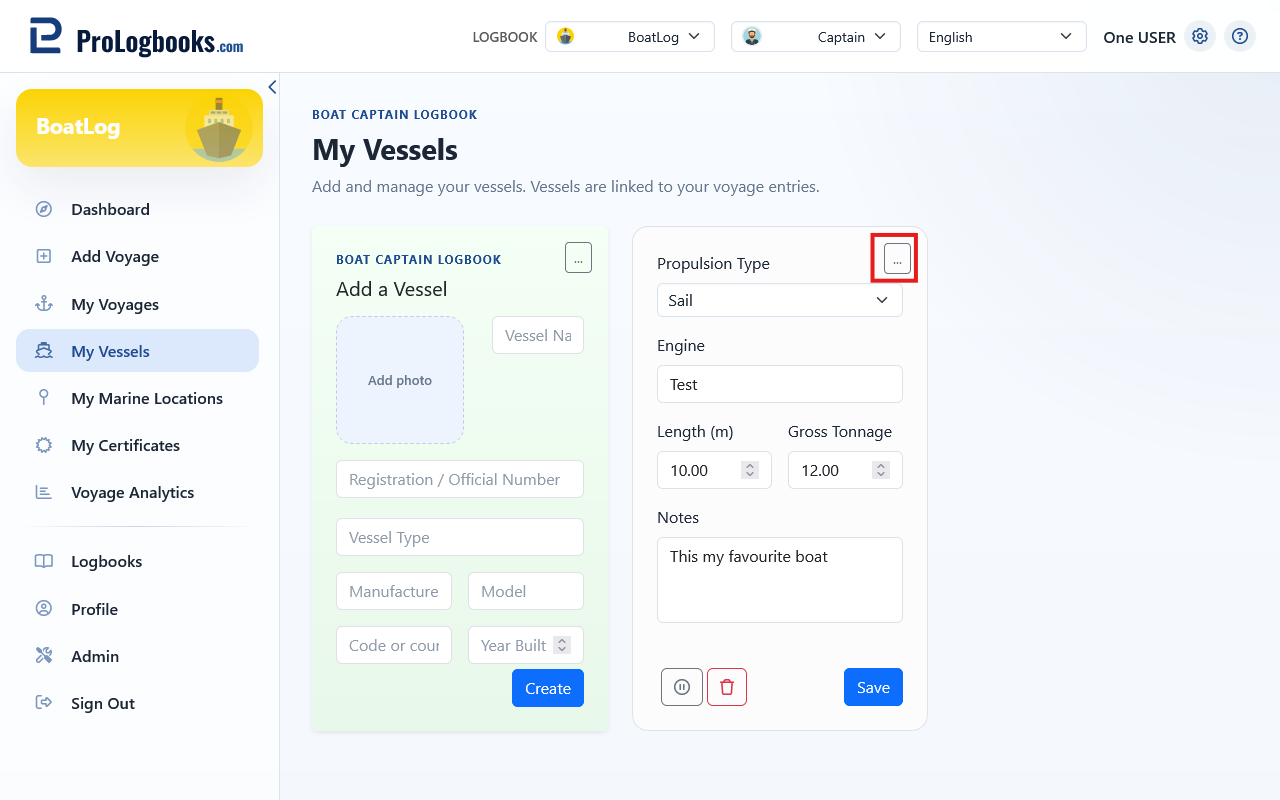
A vessel can include name, type, manufacturer, model, registration or official number, flag or country, year built, length in metres, gross tonnage, propulsion, engine description, notes, and photo.
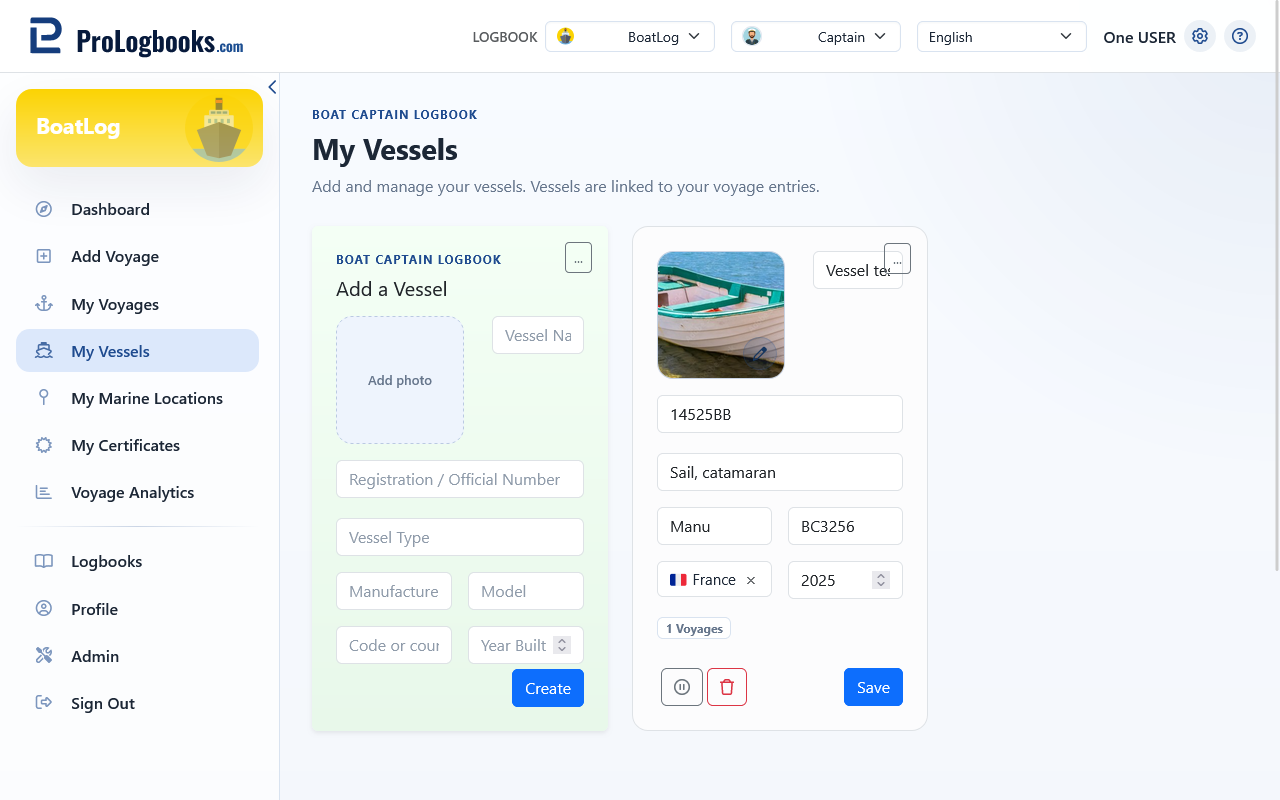
- Open My Vessels and choose Add vessel.
- Enter the available identity, dimension, propulsion, and engine details.
- Add notes and a photo when relevant.
- Save the vessel and confirm that it appears in the catalog.
Maintain vessels without losing history
The catalog shows active status and linked voyage count. Edit details, deactivate vessels you no longer use, or reactivate them later.
Deleting a vessel with linked voyages preserves the historical vessel snapshot. Prefer deactivation when it may be needed again.
If something goes wrong
- If a vessel is missing during voyage entry, confirm that it is active and belongs to the current logbook.
- If a photo is rejected, use an allowed image format within the configured upload limit.
- If deletion is not appropriate for a used vessel, deactivate it instead.