Find the voyage you need
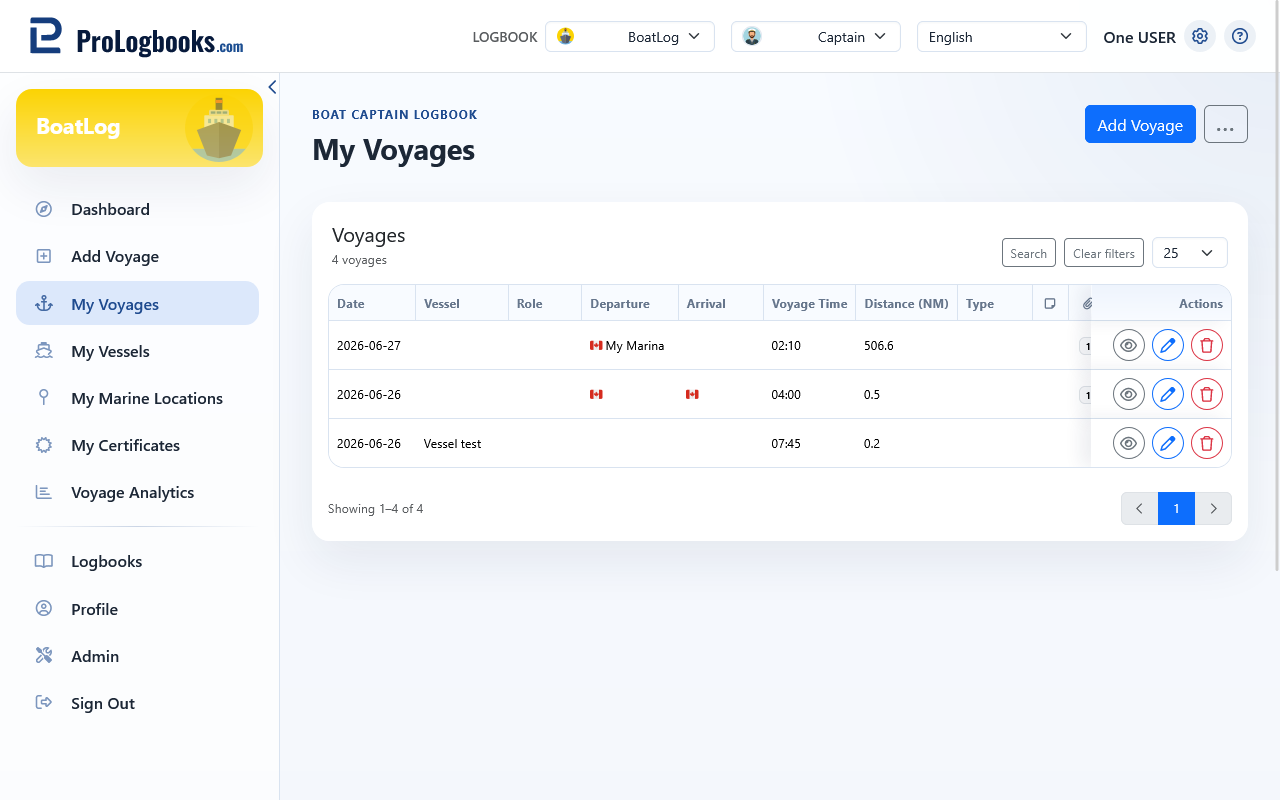
The list shows the main voyage information and divides larger results into pages. Open Search to filter without leaving the page.
- Filter by date range or preset period.
- Filter by vessel, role, departure or arrival location, and voyage type.
- Set a minimum voyage time or search voyage notes.
- Use Clear filters to return to the complete list.
Review and manage a row
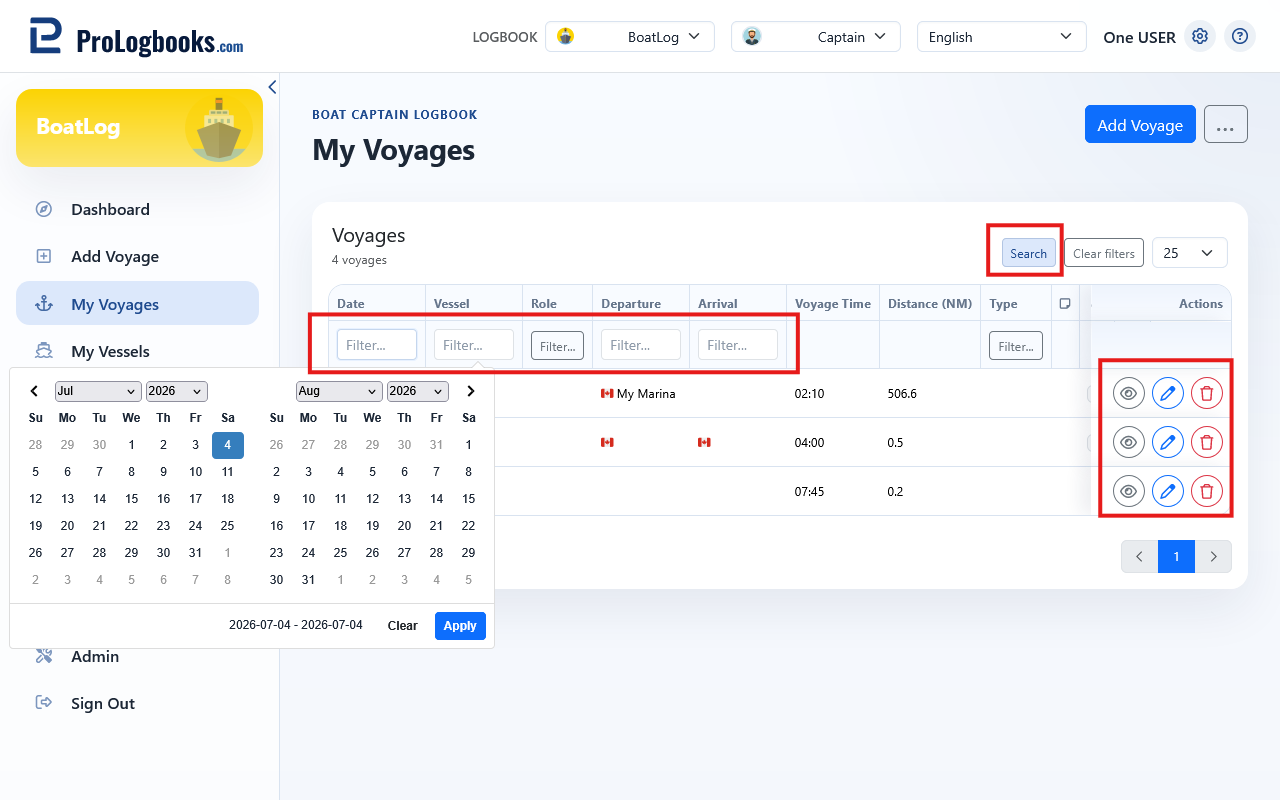
Each row provides View, Edit, and Delete actions. Open the detail page for route, attachment, weather, training, and note information that does not fit in the table.
- Apply filters and wait for the list to refresh.
- Open View for the voyage you want to inspect.
- Use Edit when saved information needs correction.
- Use Delete only when the record should be permanently removed, then confirm the dialog.
If something goes wrong
- If no rows appear, clear filters and confirm that the correct logbook is selected.
- If results are unexpected, simplify the filters and add them again one at a time.
- On a small screen, scroll the table horizontally or open the row action menu.